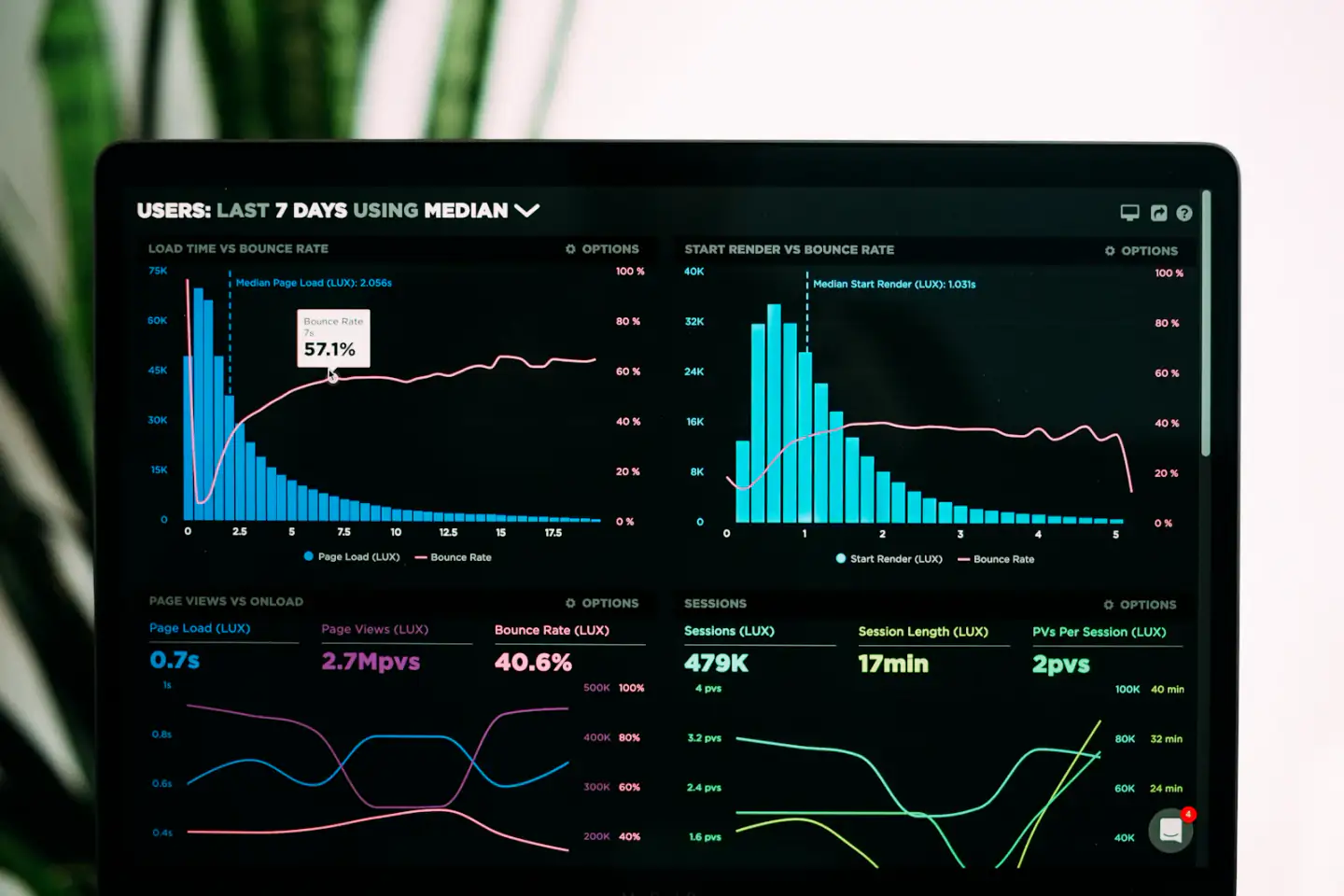
Core Web Vitals Checklist: Fix LCP, INP, and CLS
A no-nonsense checklist for improving Largest Contentful Paint, Interaction to Next Paint, and Cumulative Layout Shift on real sites and apps.

Core Web Vitals are Google's three user-experience metrics: Largest Contentful Paint (LCP) for loading, Interaction to Next Paint (INP) for responsiveness, and Cumulative Layout Shift (CLS) for visual stability. A page passes when, at the 75th percentile of real visits, LCP is 2.5 seconds or less, INP is 200 milliseconds or less, and CLS is 0.1 or less. INP replaced First Input Delay (FID) as a Core Web Vital in March 2024. This checklist covers how to measure each metric and the fixes that matter most.
How to measure Core Web Vitals correctly
There are two kinds of data. Field data comes from real users on real devices and networks; it is what Google uses to assess your pages. Lab data comes from a controlled test, such as Lighthouse, and is useful for diagnosing problems but does not reflect the range of your actual visitors.
- Check field data in PageSpeed Insights and the Core Web Vitals report in Google Search Console, both based on the Chrome User Experience Report (CrUX), which aggregates a rolling 28-day window.
- Add real user monitoring with the open-source web-vitals JavaScript library, sending metrics and their attribution data to your analytics.
- Use Chrome DevTools Performance panel and Lighthouse to reproduce and diagnose specific issues.
- Segment by template and device: a fast homepage can hide a slow product page or a sluggish mobile experience.
LCP checklist: make the main content appear fast
LCP measures when the largest image or text block in the viewport finishes rendering. Break it into four parts to find the bottleneck: time to first byte, resource load delay, resource load duration, and element render delay.
- Reduce time to first byte with caching, a CDN, static or edge rendering where possible, and fast database queries for dynamic pages.
- Make the LCP resource discoverable in the initial HTML; avoid hero images that are injected by JavaScript or set as CSS backgrounds.
- Add fetchpriority="high" to the LCP image and never lazy-load it; lazy-load images below the fold instead.
- Serve correctly sized, modern formats such as AVIF or WebP with srcset and sizes.
- Preload critical fonts and the LCP image when they are discovered late, and preconnect to required third-party origins.
- Remove render-blocking resources: inline critical CSS, defer non-essential scripts, and trim unused CSS.
- For client-rendered apps, server-render or prerender the above-the-fold content rather than waiting for JavaScript.
INP checklist: make every interaction feel instant
INP observes the latency of clicks, taps, and key presses throughout a visit and reports a value near the worst interaction. Each interaction has three phases: input delay while the main thread is busy, processing time in your event handlers, and presentation delay until the next frame is painted. Long JavaScript tasks are the usual cause.
- Find long tasks with the DevTools Performance panel and the Long Animation Frames API attribution from the web-vitals library.
- Break up long tasks by yielding to the main thread, for example with scheduler.yield() where supported or a setTimeout fallback.
- Give immediate visual feedback first, then defer non-urgent work such as analytics calls and secondary updates.
- Reduce JavaScript: code-split by route, remove unused dependencies, and audit third-party tags, which often dominate main-thread time.
- In React, avoid unnecessary re-renders, virtualize long lists, and use transitions such as startTransition for non-urgent updates.
- Keep the DOM reasonably small and avoid layout thrashing from reading and writing layout properties in loops.
- Debounce expensive handlers on input events, and move heavy computation to Web Workers.
CLS checklist: stop content from jumping
CLS measures unexpected layout shifts during the page lifecycle. Shifts that happen within a short window after a user interaction are excluded, so the culprits are content that moves on its own.
- Set width and height attributes or CSS aspect-ratio on images, videos, and iframes.
- Reserve space for ads, embeds, cookie banners, and dynamically loaded components.
- Avoid inserting content above existing content unless it responds to a user action.
- Reduce font-swap shifts with font-display choices, preloading, and fallback font metric overrides such as size-adjust.
- Animate with transform and opacity rather than properties that trigger layout, like top or height.
- Make sure pages are eligible for the back/forward cache, which restores pages instantly without new shifts.
Marketing sites vs web apps
Marketing sites
The biggest risks are heavy hero media, web fonts, and third-party scripts for analytics, chat, A/B testing, and tag managers. Static generation with a CDN solves most LCP issues. Govern third-party tags with the same scrutiny as your own code: every tag should have an owner and a reason to exist.
Web apps
INP is usually the hardest metric for interactive apps, because large component trees and state updates create long tasks. Profile real workflows such as filtering a table or opening a modal, not just the initial load. Remember that soft navigations in single-page apps affect how interactions are measured across a session.
Keep it fixed: performance budgets and monitoring
- Set budgets for JavaScript size, image weight, and third-party requests per template.
- Run Lighthouse or similar checks in continuous integration to catch obvious regressions.
- Alert on real user monitoring when the 75th percentile crosses a threshold.
- Review new third-party tags and large dependencies before they ship.
Core Web Vitals are a page experience signal used by Google Search, but they are one input among many, so treat them primarily as a user experience goal. Faster, more stable pages are better for visitors regardless of rankings. In discovery, we usually start with a template-by-template field data review, because it shows exactly where effort will make a difference.
Planning something similar? We are happy to talk it through.
Prepare your project brief